Which App should you start with?
Seven templates and a blank App. Each one gives you modules, statuses, relationships and a dashboard you can change.
Modules, fields and navigation stay editable after you create the App.
Northstar Warehouse
WAREHOUSE & INVENTORY · 9 MODULES
CATALOG
Items / SKUs
Locations, Bins & Zones
INVENTORY
Stock Levels
Stock Movements
Adjustments
STATUS
Receiving
Picking / Dispatch
Cycle Counts
SETUP
Devices & Scan Configuration
STOCK LEVELS · LIVE
SKU 40063 Pallet wrap
SEVEN TEMPLATES · ONE BLANK APP · ALL EDITABLE
What do you actually get with an App?
A form asks a question. An App is what the answers run on. Modules hold records, statuses move them, lookups connect them and a dashboard reads it all.
- InvoicesRECORD
- CustomersRECORD
- DepartmentsREFERENCE
- Onboarding tasksACTIVITY
- Billing SettingsSETTINGS
- Item × LocationJUNCTION
Modules are the App's tables
Each one holds one kind of thing and is backed by a form, so anything a form can capture, a module can hold.
INVOICE · CUSTOMER · STATUS
- INV-0231Acme Ltd · due 12 OctSent
- INV-0228Bolt & Co · paid 3 OctPaid
- INV-0219Kente Traders · due 28 SepOverdue
Records are the rows
One invoice, one employee, one stock count. The module says which fields identify and summarise it, so every list fits the data.
ƒ RECALCULATED ON READ
due date passed · within seven days
Two kinds of status
Workflow states are picked by a person. Badges like Overdue and Low Stock are worked out for you, so nobody maintains them and they can't drift.
RELATIONSHIP CANVAS · LAYOUT SAVED PER APP
Modules point at each other
An invoice points at a customer, a line item at a product. Templates ship these lookups pre-wired, and a canvas shows how the modules connect.
ACTIVE EMPLOYEES
46+2
PENDING LEAVE
3
OPEN ONBOARDING
5−1
EXPIRING DOCUMENTS
2
HUMAN RESOURCES · FOUR LIVE TILES
A dashboard from the first record
Every template ships live tiles counted from the App's own records. Nothing to set up; it works the moment the first record lands.
FINANCE
Invoices
Customers
Payment Records
WAREHOUSE
Stock Levels
Receiving
not shown
LIST · VIEW · CREATE · UPDATE · DELETE · SCAN · UPDATE STATUS
Who sees which module
Departments are per-App groups. Finance sees Invoices and the warehouse does not, and a module you cannot open does not appear at all.
THE TEMPLATE CATALOGUE
Every template, and the modules that come with it.
Pick the one closest to your work. Everything a template creates stays editable afterwards.
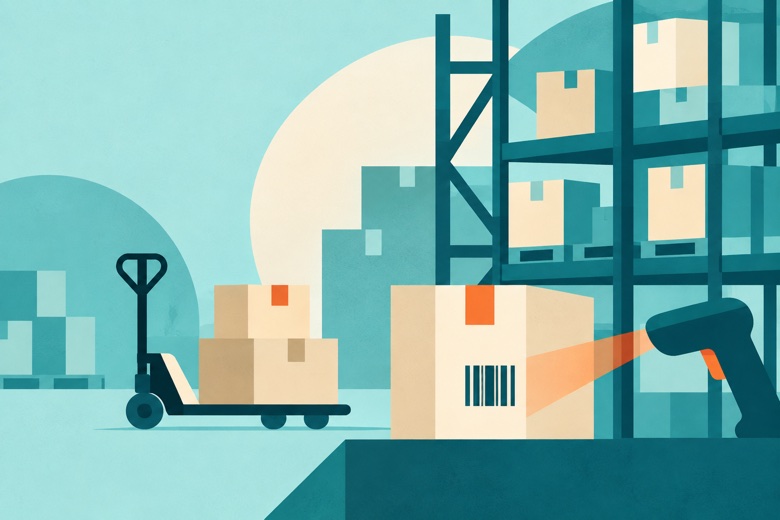
9 MODULES · OPERATIONS
Warehouse & Inventory
Items, locations and stock levels, with receiving, picking, cycle counts and a full movement trail.
Items / SKUs · Locations, Bins & Zones · Stock Levels · Stock Movements · Adjustments · Receiving · Picking / Dispatch · Cycle Counts · Devices & Scan Config

6 MODULES · FINANCE
Invoicing & Billing
Customers, a catalogue, invoices and payments, with Paid, Overdue and Due Soon worked out on their own.
Customers · Products/Services · Invoices · Invoice Line Items · Payment Records & Status · Billing Settings

14 MODULES · HUMAN RESOURCES
Human Resources
Employees, departments, shifts, time off, onboarding and document expiry dates.
Employees · Departments · Roles & Positions · Skills · Sites · Shifts · Leave Requests · Onboarding · Assets · Documents · Performance · Leave Policies · Working Time · Policies

0 MODULES · YOUR DOMAIN
Website
A website built from the App's own records, published on your domain.
Page builder · Records block · Public forms · Draft and publish · Version history · Custom domain

START BLANK
Blank App
Start blank, attach the forms you already use, and build the modules round them.
Modules · Relationships · Departments · Views · Dashboard · Website

7 MODULES · FINANCE
Bookkeeping
Accounts, transactions and reconciliation, kept next to the work that generated them.
Expenses · Income · Bank Transactions · Reconciliation · Exceptions · Categories · Accounts

9 MODULES · OPERATIONS
Maintenance
Assets, their condition, and the work due on them, whether planned or after a breakdown.
Assets & Equipment · Categories · Locations & Sites · Availability · Work Orders · Requests · Technicians · Working Time · Settings

5 MODULES · OPERATIONS
Asset Tracking
What you own, who holds it now, and everywhere it has been.
Tracked Assets · Sites · Holders · Assignments · Trips
Plan the week, and let people see their shifts.
Put shifts on a board, leave the gaps open for anyone to pick up, and ask for a proposal when you would rather not do it by hand.
- Open shifts sit in their own queue, so nothing quietly goes unstaffed
- A proposal fills the gaps and waits for you to publish
- Time off is requested, approved and reflected on the board
- People see only their own shifts on the phone
| MON | TUE | WED | THU | FRI | SAT | SUN | |
|---|---|---|---|---|---|---|---|
| Ama Mensah | 07–15 | 07–15 | Open | 07–15 | 07–15 | ||
| Kofi Asare | 15–23 | 15–23 | 15–23 | Open | 15–23 | ||
| Esi Boateng | 09–17 | 09–17 | 09–17 | Open | 09–17 |
OPEN SHIFTS
3
- Wed · 07–15 · Front desk
- Thu · 15–23 · Front desk
- Sat · 09–17 · Front desk
TIME OFF
Approved time off blocks the board, so nobody is rostered while away.
Know what you have, and what is moving.
Stock levels flag themselves. Counts pick up the differences. Receiving and picking move through their own steps, and every move is kept.
- Low Stock and Expiring soon are worked out for you
- Counts show expected against counted, ready to reconcile
- Receiving and picking each move through their own steps
- Every movement in and out is kept, with who and when
| ITEM | ON HAND | RESERVED | BADGE |
|---|---|---|---|
| Pallet wrap | 6 | 0 | Low Stock |
| Tape 48mm | 140 | 12 | In Stock |
| Stretch film | 22 | 4 | Low Stock |
| Labels 4in | 860 | 0 | In Stock |
ƒ Badges are worked out from the numbers, so nobody maintains them.
EXPECTED · COUNTED
- Pallet wrap48 · 46−2
- Tape 48mm140 · 1400
- Stretch film24 · 22−2
Two short. Reconcile and the stock level updates itself.
ReconcileReceiving
- RCV-0412Bristol · 12 palletspart received
- RCV-0409Leeds · 4 palletsreceived
Scan a pallet and the right record opens, on a phone or a reader.
APP FEATURES · ASSETS AND MAINTENANCE
Know what you own, who has it, and what it needs.
Hand an item to someone and the record follows them. Raise a job on a machine and it lands on a technician's day, with the parts and the history attached.
WHO HOLDS IT NOW
- Handover
- Pick the next holder, scan the tag, save the spot
- Trips
- A driver starts and ends a trip, and the route draws itself
- Overdue
- Anything past its return date is flagged for you
WORK ON THE MACHINES
Raise it, plan it, close it.
| MON | TUE | WED | THU | FRI | |
|---|---|---|---|---|---|
| CNC-02 | WO-1184 · Service | ||||
| Conveyor A | WO-1190 · Belt | ||||
| Forklift 2 | WO-1176 · Check | ||||
- Requests
- Anyone can raise a job from a form, with a photo
- Parts and history
- Every job keeps what was used and what was found
- Due work
- Planned jobs appear before they are late
How does a template become your App?
Pick one, name it, choose a colour, then add modules or bring in a spreadsheet. Template updates never reach back and rearrange your App.
- 01✓
STARTING FROM WAREHOUSE & INVENTORY · 9 MODULES INCLUDED
Pick a template or start blank
Every module's form is created, the lookups are wired, and the navigation and dashboard are set up before you land in it.
- 02
What should we call your app?
Northstar Warehouse
PRIMARY · SECONDARY · TEXT · ACCENT
Name it and pick a colour
The template name stays separate. The name you type is the one your workspace sees, and the primary colour is yours to set.
- 03
Add a module, or attach a form
Create a table inside this app or add an existing form.
New tableExisting formSite inspectionPUBLISHED
Goods receiptPUBLISHED
Add a module, or attach a form
A module is a form. Create a new table inside the App or add a form you already publish, and it shows up in the sidebar and on the canvas.
- 04SKUItemQtyReorder atCounted on
SKU — text
Qty — number
Reorder at — number
Counted on — date
PARSING → AWAITING CONFIRMATION → CREATING FORM → IMPORTING RESPONSES
Start from your spreadsheet
Upload an .xlsx workbook and choose the sheets. They become a form with typed questions, and the rows become its records, ready to attach as a module.
TEMPLATES ARE STARTING POINTS, NOT CAGES · MODULES, FIELDS AND NAVIGATION STAY EDITABLE · YOUR APP KEEPS THE SHAPE IT WAS BORN WITH
Where do teams put these Apps to work?
Three industries we write about, and the template each one starts from. If your work needs the camera to know your own products, read on.
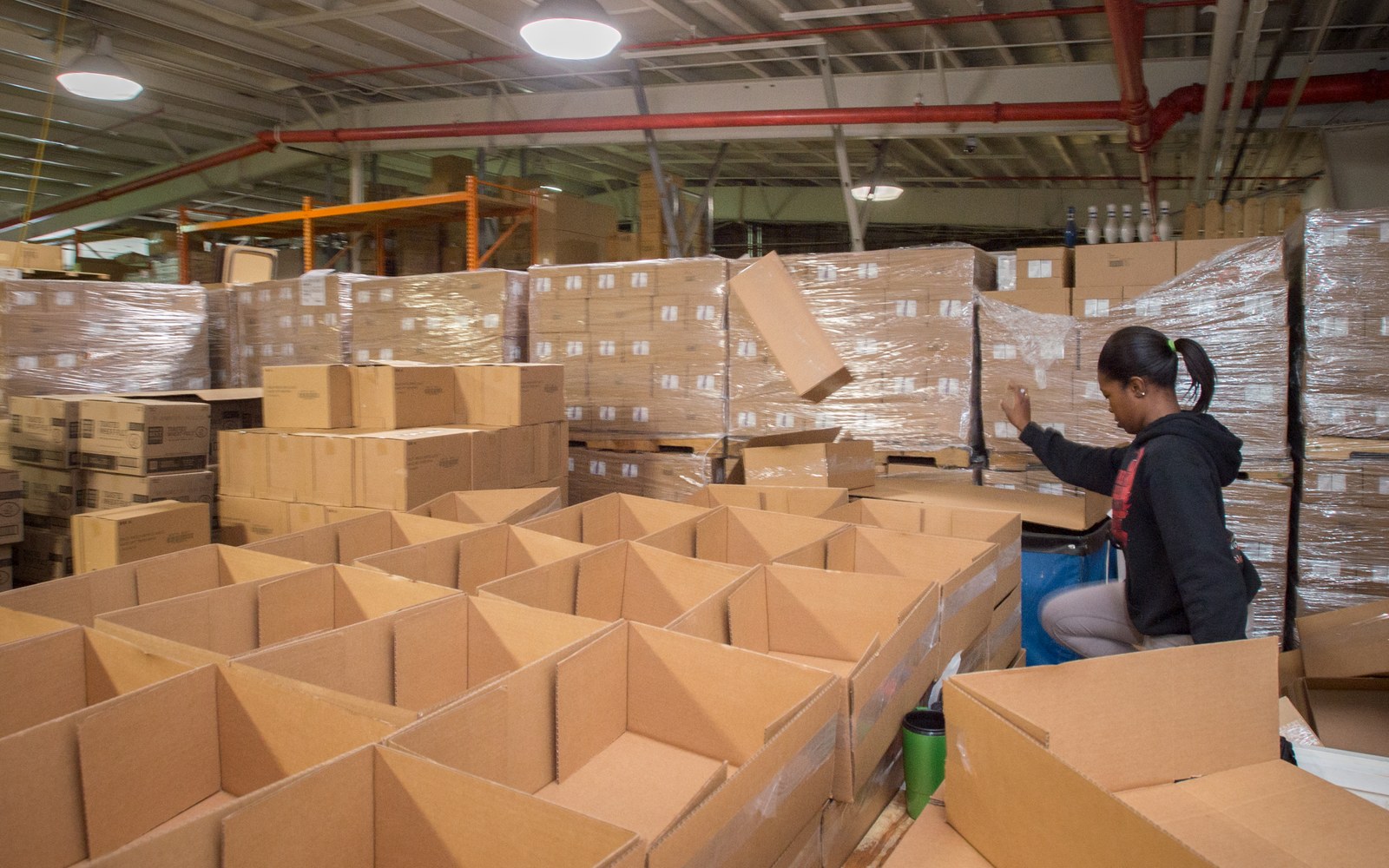
STARTS FROM · WAREHOUSE & INVENTORY · 9 MODULES
- SKU 40063 Pallet wrapAisle 4 · Bin 12 · 6 on handLow Stock
- SKU 41220 Tape 48mmAisle 2 · Bin 3 · 140 on handIn Stock
Warehouse & storage
Starts from Warehouse & Inventory. Stock levels carry their own badge, and a scan looks a record up by SKU, barcode, RFID tag, location code or batch.
Read about warehouses →- PK-0092Kumasi depot · due Fripicking
- PK-0088Tema port · due todaydispatched
STARTS FROM · WAREHOUSE & INVENTORY · PICKING / DISPATCH
Goods shipping
Starts from Warehouse & Inventory too. Pick tickets move from pending to dispatched, each with a destination and a due date, and the phone keeps working on the road.
Read about shipping →- Field boundaryPOLYGON
- Plot locationLOCATION
- Crop photoCAMERA
SAVED ON DEVICE · SYNCS WHEN ONLINE
STARTS FROM · BLANK APP · POLYGON · LOCATION · CAMERA
Farming
Starts blank. Draw a field as a polygon, drop a location, take a photo of the crop, and the form saves on the phone until it finds a signal.
Read about farming →AN OFFER FROM THE TEAM
Need the camera to recognise your own products? We'll help you build the vision model.
You bring the photos of your products, we help you build the model, and it sits on a camera question in your form.
CAMERA QUESTION · AI CLASSIFICATION
Your first App is one template away.
Start free, choose a template, and rename it to whatever your team calls the work.
If your form needs to recognise your own products, we'll help you build the vision model.