One form becomes the system your team runs.
Build the form, fill it on a phone with or without signal, and turn the answers into modules, records, statuses, automations and a dashboard, without writing code.
WEB APP AT APP.TRACESOURCE.CO · ANDROID AND IPHONE · FILLS WITHOUT SIGNAL
- TEXTSitelookup → Sites
- SCANPallet tagsscanning
- PHOTOPhoto of the goodscamera · AI vision on
- NUMBERQuantity receivednumber · required
- VOICEVoice notevoice
- FILEDelivery notefile
REQUIRED ✓ · VISIBILITY RULES
TURNED INTO AN APP
Goods receipt → Receiving module
FORM · APP · AUTOMATION · DASHBOARD — ONE WORKSPACE
Questions built for the field, not the desk.
Scan a tag, take a photo, mark a location or pick a record from another form. Each is one question, and the phone captures it.
Built in the web app
Add a question, pick its type and set what is required. The same form fills on the web, in the mobile app and on a public page.
FILLS ON
- Sitelookup → Sites
- Pallet tagsscanning
- Photo of the goodscamera · AI vision on
- Quantity receivednumber · required
- Voice notevoice
- Delivery notefile
+ Add question
Show a question only when it matters
A visibility rule reads earlier answers. Pick the question, the operator and the value; the question shows only when every condition holds.
equal_to · not_equal_to · contains · in_range
VISIBILITY
ALL CONDITIONS MUST BE TRUE
Shown when Damaged? equals Yes
One page, or one question at a time
A form setting chooses between one scrolling column and one question per page. Drafts save on the device, so a half-done form can be picked up later.
COUNT IS UNIQUE CODES
Scan with what you hold
One question reads barcodes, QR codes and UHF RFID tags. Whoever fills the form picks the device.
SEE THE HARDWARE →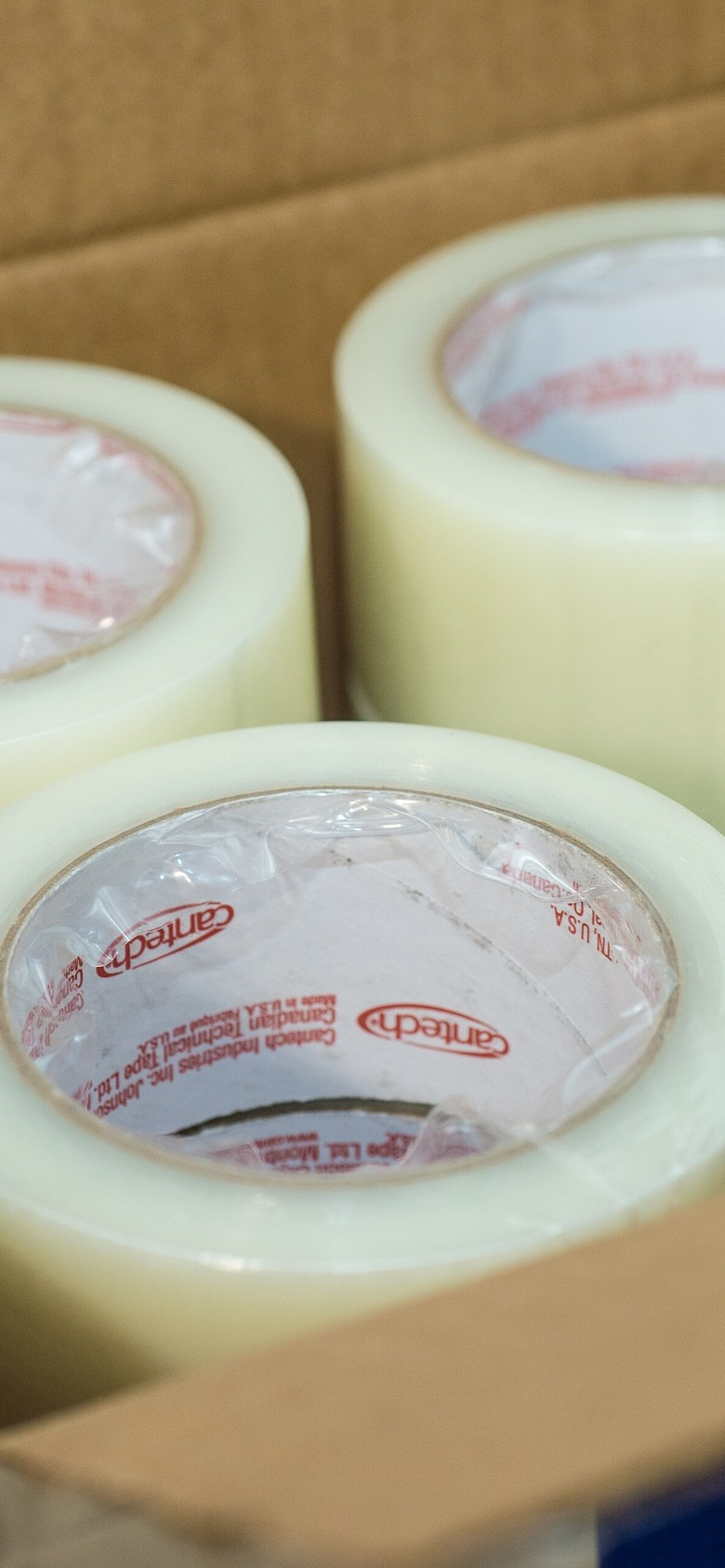
camera · classification · minConfidence 0.60
A photo the model reads
The label lands on the answer with its confidence. Bring your own model, or we'll help you build one.
AI & VISION →Where, and which way
A location drops a pin, a path records the route as it is driven, a polygon marks out a yard.
- Customer Bristol Depot ▾
- Line total ƒ multiply → 412.00
- Counted by Kofi A. · Receiving
lookup · calculation · user · department
Answers from answers
A lookup picks a record from another form. A calculation combines earlier numbers. User and department pick people.
EVERY TYPE IN THE API · text · email · tel · number · date · time · checkbox · select · radio · textarea · url · color · rating · file · camera · voice · scanning · location · path · polygon · lookup · calculation · user · department · printing
One chain, from the job to the record.
A job in front of you becomes a record in four steps, and each step hands the next one everything it needs.
- 01
- Site
- Pallet tags
- Photo of the goods
The form asks
One form, built in the web app, with the questions your work actually needs.
- 02
- Phone camera
- RFID sled
- Finger reader
A phone or a reader captures
Type it, scan it, photograph it or mark it on a map. With no signal it waits.
- 03Tape roll 94%
what it is, and how sure
The model reads the photo
A vision question says what the photo shows, and how sure it is.
- 04GR-1042Goods receipt · Dock 2done
Receiving was notified
The App keeps it and acts
It becomes a record with a status, and the App tells whoever needs to know.
OFFLINE FIRST · ANDROID, IPHONE AND WEB
Does it really work with no signal?
Yes. Forms fill and save on the device, responses queue locally, and they sync on their own the next time the phone finds a connection.
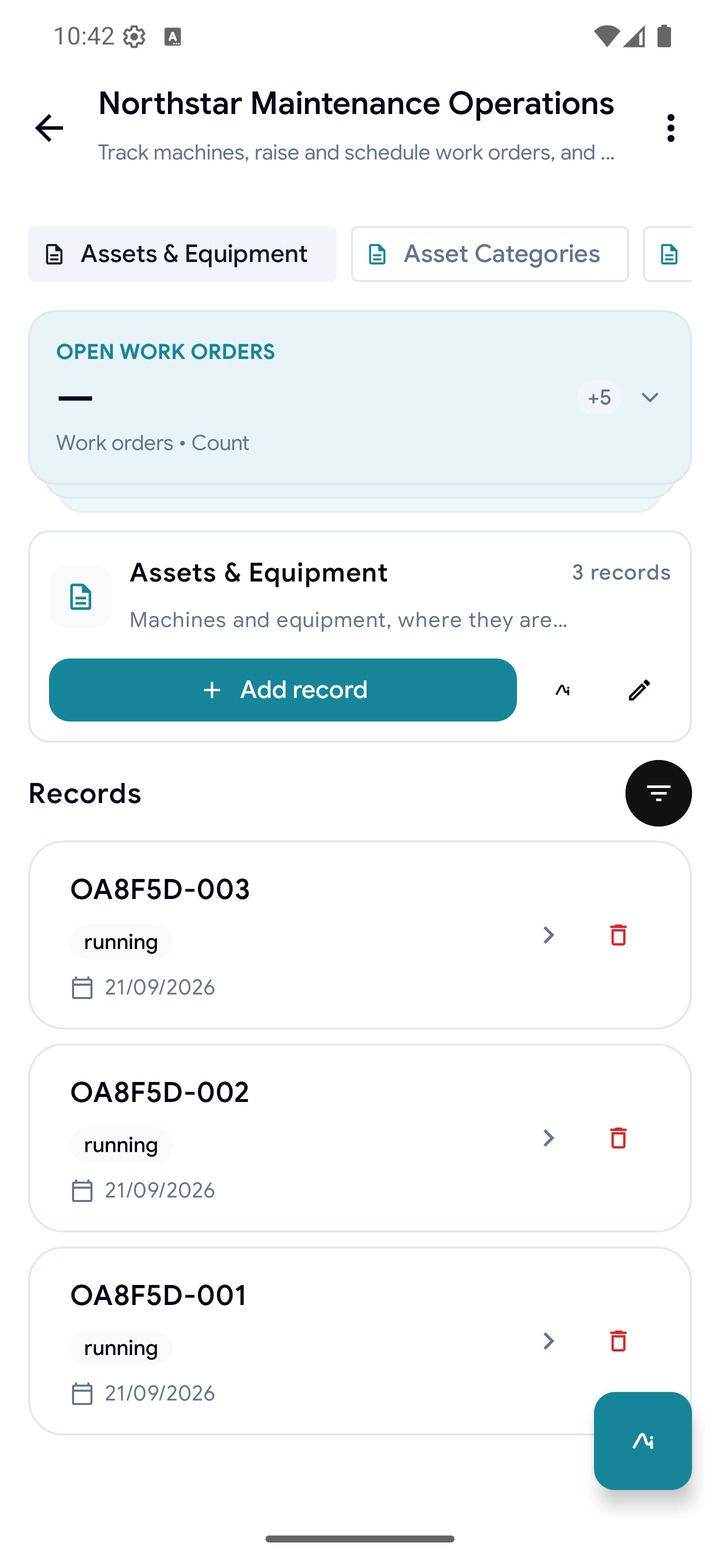
On the phone
SAVES AS YOU TYPE · SENDS ITSELF
A finished form waits on the device and sends itself when the network is back. If the server rejects it, it stays editable.
- WAITING TO SYNC
- RETRY SYNC
- ALL DATA SENT SUCCESSFULLY
- 09:12STARTED
- 09:19ENDED
- 11:03SYNCED
Started, ended, synced
startedAt · endedAt · syncedAt
Started, ended and synced are stored separately, so a late upload still says when it was filled.
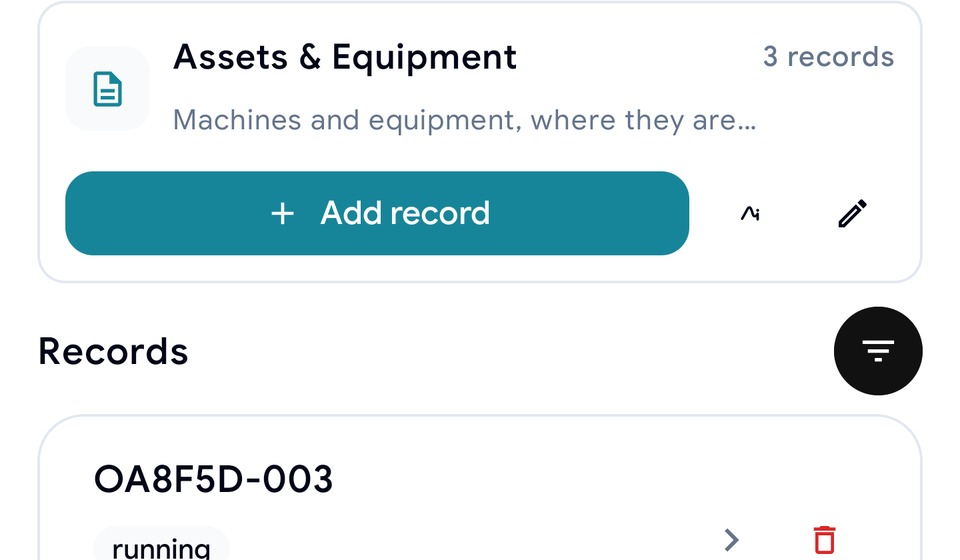
On the web
APP.TRACESOURCE.CO
The web app is where records are read, Apps are configured and the desk work happens. The phone is for the person next to the thing.
app.tracesource.co ↗- My responses
- My drafts
- My shifts
- My assets
- WORKSPACE VIEW
Two dashboards
MEMBER HOME · WORKSPACE VIEW
A member's home shows their own responses, drafts, shifts and assets. Someone allowed to see every response gets the workspace view.
Here is what an App adds to a form.
Modules, records with statuses that move, relationships, views and a dashboard that works from the first record.
CATALOG
Items / SKUs
Locations, Bins & Zones
INVENTORY
Stock Levels
Stock Movements
Adjustments
STATUS
Receiving
Picking / Dispatch
Cycle Counts
SETUP
Devices & Scan Configuration
Modules are the App's tables
Each module holds one kind of thing and is backed by a form, so anything a form can capture, a module can hold.
record · reference · activity · settings · junction
Records with a status that moves
Workflow states are picked by a person. Badges like Overdue, Low Stock and Expiring soon are worked out for you, so nobody maintains them.
- RCV-0412Bristol Depot · 12 palletsIn progress
- RCV-0409Leeds · 4 palletsDone
Relationships
Modules link through lookup fields. A canvas shows how they connect and flags a model that drifts.
OVERDUE INVOICES
3
LIVE
PAID THIS MONTH
14
LIVE
A dashboard from the first record
Every template ships live tiles counted from the App's own records. Nothing to set up.
- Parsing workbook
- Preview ready
- Creating form
- Importing responses
- Completed
Starts from your spreadsheet
Import an .xlsx workbook. Each sheet becomes a form with typed questions, and its rows become records.
- Repair request · Bay 3
- Fence line · Done
DRAFT · PUBLISH · CUSTOM DOMAIN · VERSION HISTORY
A public site from your data
Pages list a module's live records and take submissions straight back into the App.
AUTOMATIONS · PERMISSIONS
When a record changes state, the App acts.
An automation watches a state field and, when it reaches the value you name, sends the notifications you set up. Departments decide who sees which modules.
Automations on state change
An automation watches one state field. The HR template ships one: when a leave request moves from draft to submitted, the approver gets a notification. Every run is logged.
ON state.changed · Leave request · Status
- 01 notification.send → Approver
- 02 invitation.send · after 01
RUN LOG
ACTIONS notification.send · invitation.send
Permissions by department
Departments are per-App groups. Grant each one a set of modules and the actions it may take. A module you cannot open does not appear at all.
- ✓Invoices
- ✓Customers
- ✓Payment Records & Status
PERMITTED ACTIONS
A MODULE ABOUT PEOPLE CAN SHOW A MEMBER ONLY THE RECORDS THAT NAME THEM · A REFERENCE MODULE CAN BE LENT READ-ONLY TO ANOTHER APP'S DEPARTMENTS · A PEOPLE MODULE CAN INVITE BY EMAIL OR SMS
FROM THE FIELD TO THE BUYER
The record travels with the goods.
A batch moves from a plot to a buyer, and every hop is a step on the same record. What was weighed, where it was weighed and who signed for it all stay attached.
- 01
Farm
- Plot and farmer
- Harvest declared
- Boundary drawn on a map
- 02
Collection
- Weight and moisture
- Photo of the sack
- Signed for on the phone
- 03
Warehouse
- Lot created
- Stock position
- Tag scanned in
- 04
Processing
- Batch split
- Yield recorded
- Losses noted
- 05
Buyer
- Consignment
- Origin and volume
- Evidence attached
ONE RECORD, SEVERAL TRUTHFUL VIEWS OF IT
The co-operative
sees its own members
The processor
sees the lots it received
The buyer
sees an unbroken chain from plot to consignment
The same pieces, arranged for your work.
Six teams, six different jobs. Each one starts from a template, keeps what fits and changes the rest.
Warehouse and storage
Receiving, picking and counts, with stock levels that flag themselves. A sled reads a whole pallet in one sweep.
- SCANS
- Pallet and shelf tags
- WATCHES
- Low Stock, counts due
Workshops and service
Jobs raised from a form with a photo, planned onto a technician's day, closed with what was found and used.
- TRACKS
- Machines and their history
- SCHEDULES
- Technicians and due work
Hotels and venues
Front desk, housekeeping and kitchen on one board. Open shifts anyone can pick up, time off that blocks the roster.
- SCHEDULES
- Shifts by role and site
- CHECKS
- Room and floor inspections
Farms and growers
Draw a plot boundary, drop a point, photograph the crop and record the weight. It saves on the phone until there is signal.
- CAPTURES
- Plots, boundaries, photos
- TRACKS
- Weight, moisture, who signed
Supply chain and shipping
Pick tickets that move from pending to dispatched, each with a destination and a due date, and no signal needed on the road.
- MOVES
- Loads, destinations, dates
- PRINTS
- Labels straight from a form
Startups and small teams
Start with the form you already fill by hand, add the modules as you grow, and invite the people who need them.
- STARTS
- From your spreadsheet
- GROWS
- Modules as you need them
Start with one form and build from there.
Make the form, fill it on a phone, and turn the answers into an App when you are ready. No developer and no card needed.
Prefer a walkthrough? We'll set up the first form and App together.