Start from real data
Preview the workbook, choose the sheet and use its columns and existing rows as the starting structure.
Import an Excel workbook, turn its columns into typed form questions and bring its rows in as records. Then add the views, statuses and dashboard the spreadsheet was missing.
No card required · Build your first App today
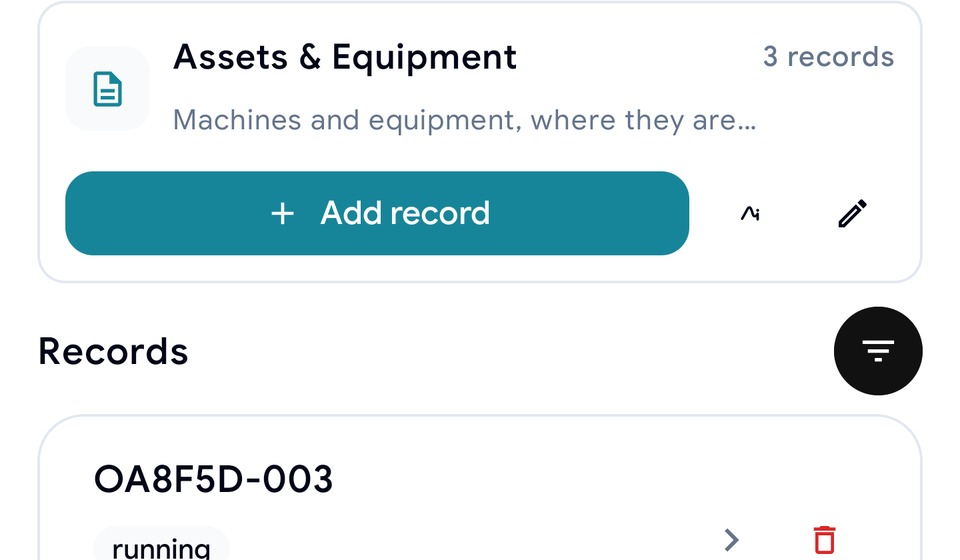
The fastest route to a useful business App often starts with the workbook your team already understands.
Preview the workbook, choose the sheet and use its columns and existing rows as the starting structure.
Give new records a proper form with field types, validation, required answers and mobile-friendly capture.
Add statuses, owners, relationships, dashboards and automation around the imported records.
Inspect detected sheets and columns before anything is created, then select the data you want to use.
Convert the selected column structure into typed questions and import the chosen rows as records.
Organize the module, define useful statuses and connect the data to the rest of the App.
No. TraceSource reads the workbook to create a form and records. Your original file remains your file.
Yes. The import flow detects sheets and columns and presents a preview before you confirm creation.
Selected rows are imported into the created form and become records that can appear in modules, views and dashboards.
Yes. TraceSource supports Excel and other response export workflows so the data is not trapped inside the App.
Start with a form or spreadsheet. Build the records, statuses and dashboard your team needs next.
Start free